
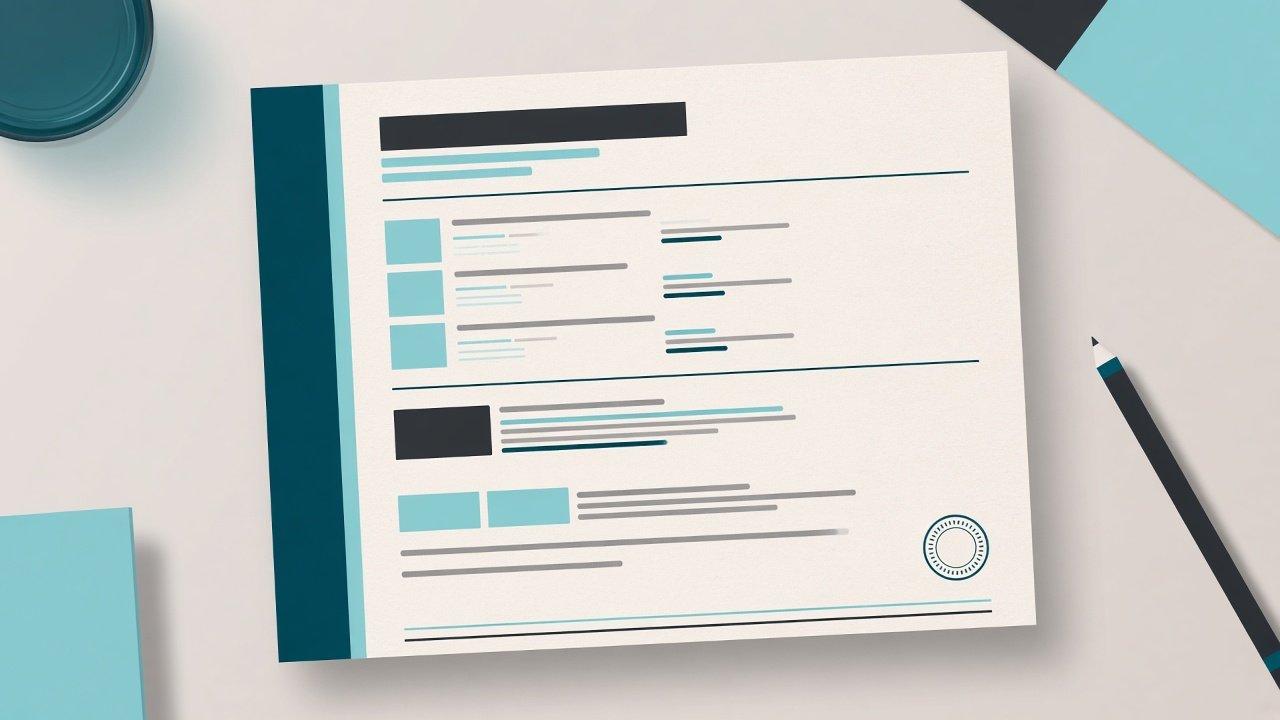
The report is an A4 PDF. It is not a second product and it is not a stack of alternate page sizes. What you save in Laboratory settings is what prints.
The top of the page
A coloured band can be one colour or a gradient. The logo, laboratory name, tagline, registration number, phone, email and address print when those fields are filled. If you tick Disable software header, that band is left off and Top blank leaves empty centimetres for pre-printed paper.
The patient and the result
The patient block shows the name, age and sex, referred by, the barcode, the patient number, and the sample and report times. Each test prints its name, category and method when those were filled. The columns are the test, the value, the unit and the reference range. The range is the one that matched that patient’s age and sex when the order was booked.
Only parameters with a value are printed. A value outside the range is marked. A short remark can sit under a parameter. Clinical notes, when you type them, print under the test with a line that they are for clinical correlation and are not a diagnosis.
The foot of the page
The page number always prints. The technician block and the pathologist block print the lines you filled: name, qualification, designation and registration. Empty boxes are skipped. Eco mode keeps the next test on the same page. With eco mode off, the next test starts on a new page.
There is no separate verification QR on the report. The barcode is the lab order number.